
Give your photos
a film look.
Quick answers. Real before-and-after photos.

How to Make iPhone Photos Look Like Film
Give iPhone photos a film look with color, grain and a little glow. See before-and-after examples and a simple editing recipe.
Read the guide →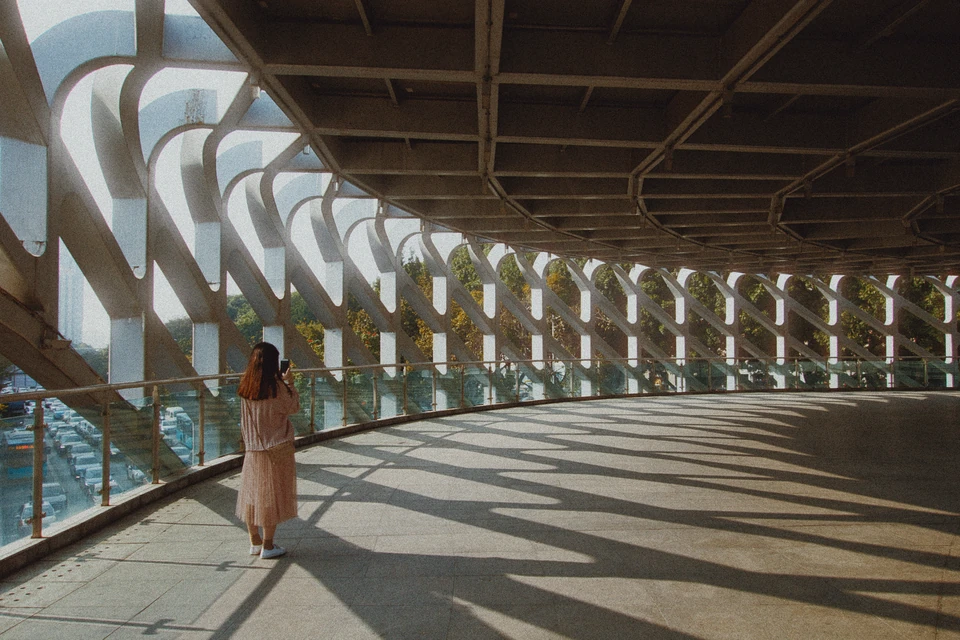
How to Add Film Grain to iPhone Photos
Add a fine or textured film-grain look to iPhone photos. Compare an original RAW development with film color and grain, then choose your look.
Read the guide →
How to Add a Soft Glow to iPhone Photos
Give bright light a soft glow on iPhone. Compare Halation and Mist, then learn which effect to use for warm edges or wider diffusion.
Read the guide →
How to Edit RAW Photos on iPhone
Edit RAW photos on iPhone with film color and grain. See a before-and-after example and learn how to keep your original for another edit.
Read the guide →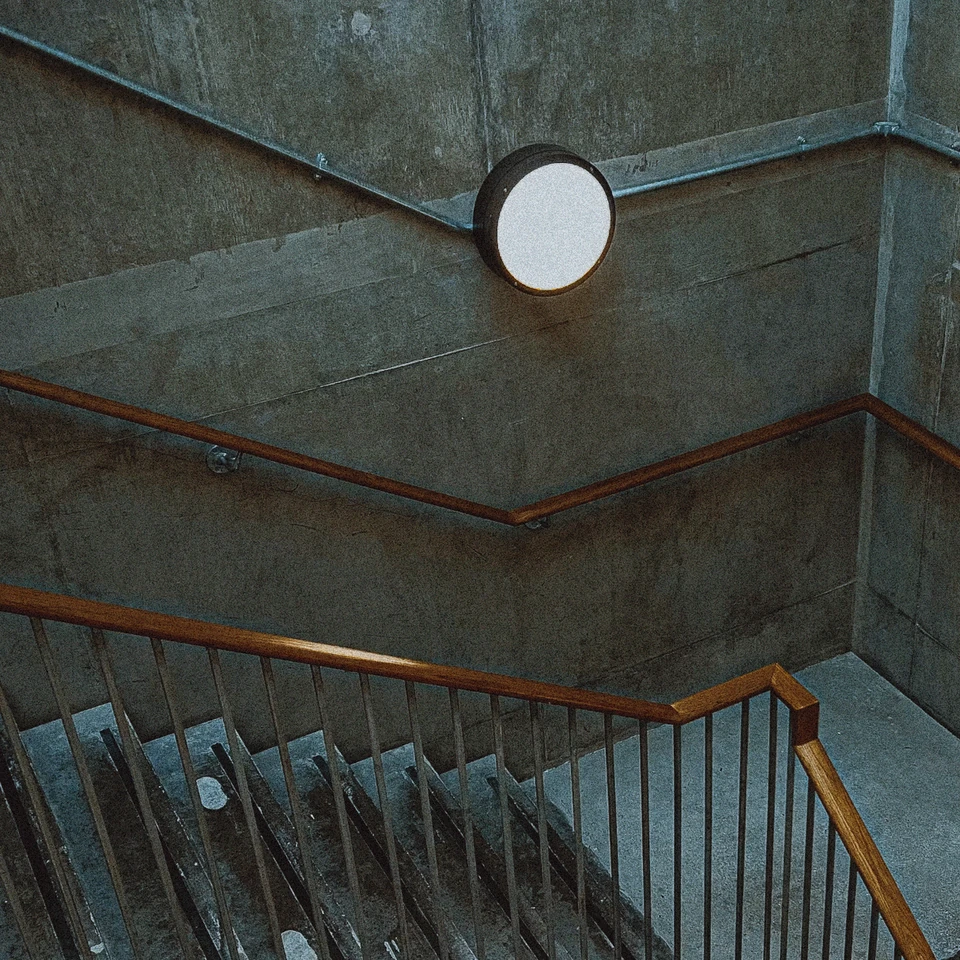
Realistic Film Grain on iPhone: Overlay vs Simulation
Compare a fixed grain overlay with Emulsine’s image-aware grain simulation. See the difference in bright light, textured walls and shadows.
Read the guide →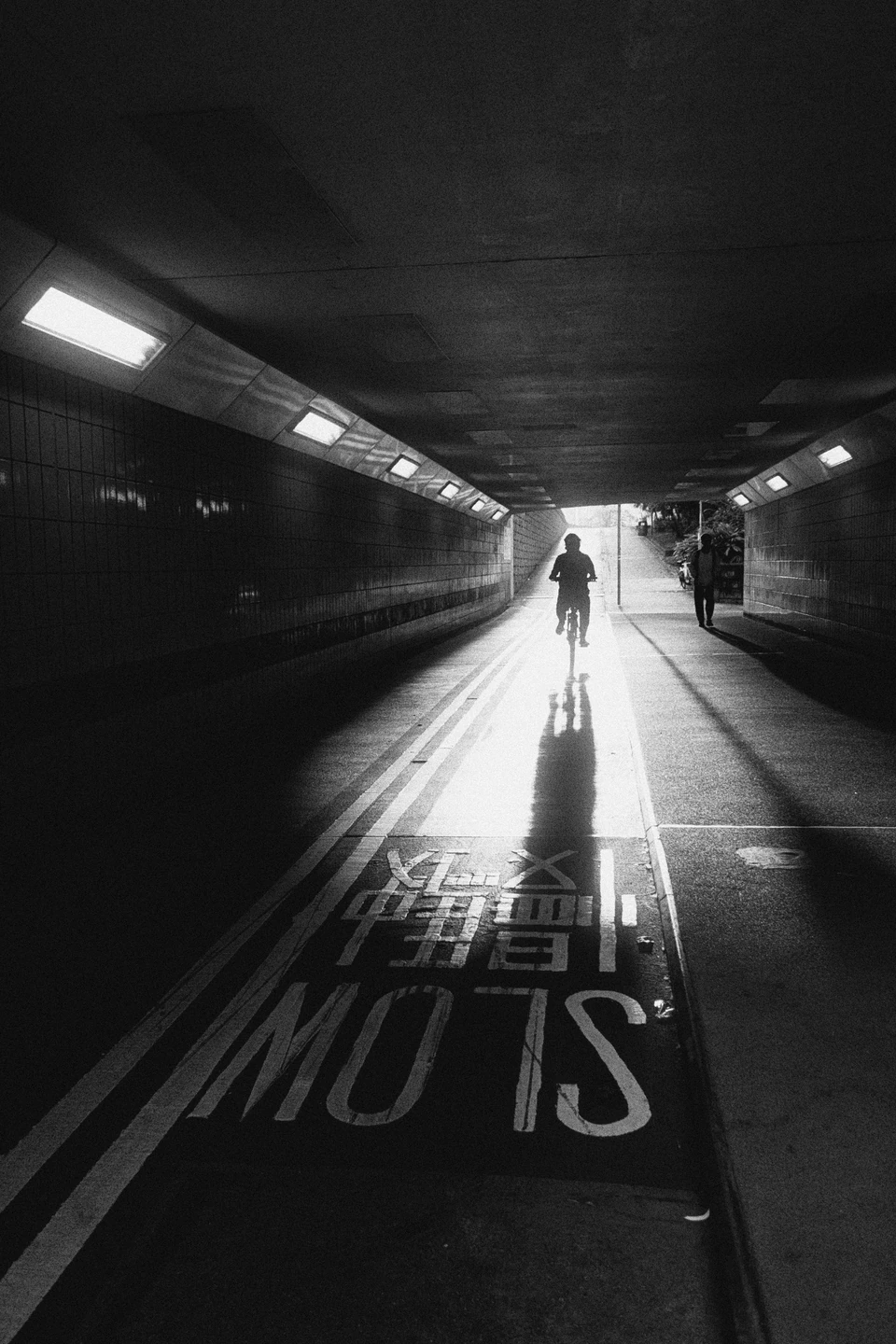
How to Take Better Black-and-White iPhone Photos
Turn photos into black and white on iPhone with film-inspired tone and grain. See a street photo before and after, then try a simple editing approach.
Read the guide →