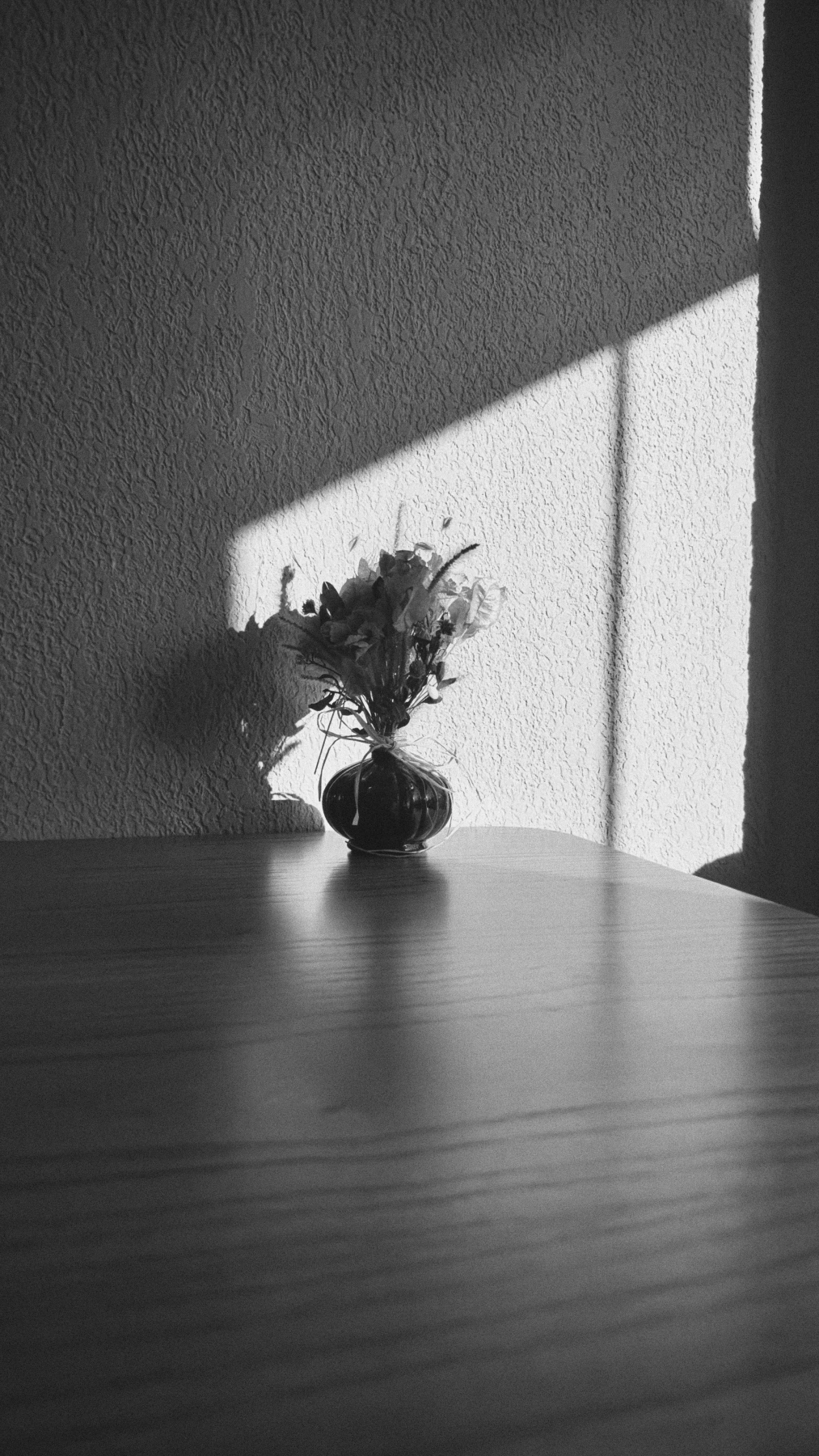
 3× DETAIL
Grain, with character.
Fine texture or a bolder frame. Three grain formats, shaped for each film.
A FILM EMULATION CAMERA
Film color and texture, on your iPhone.
For the way it felt.
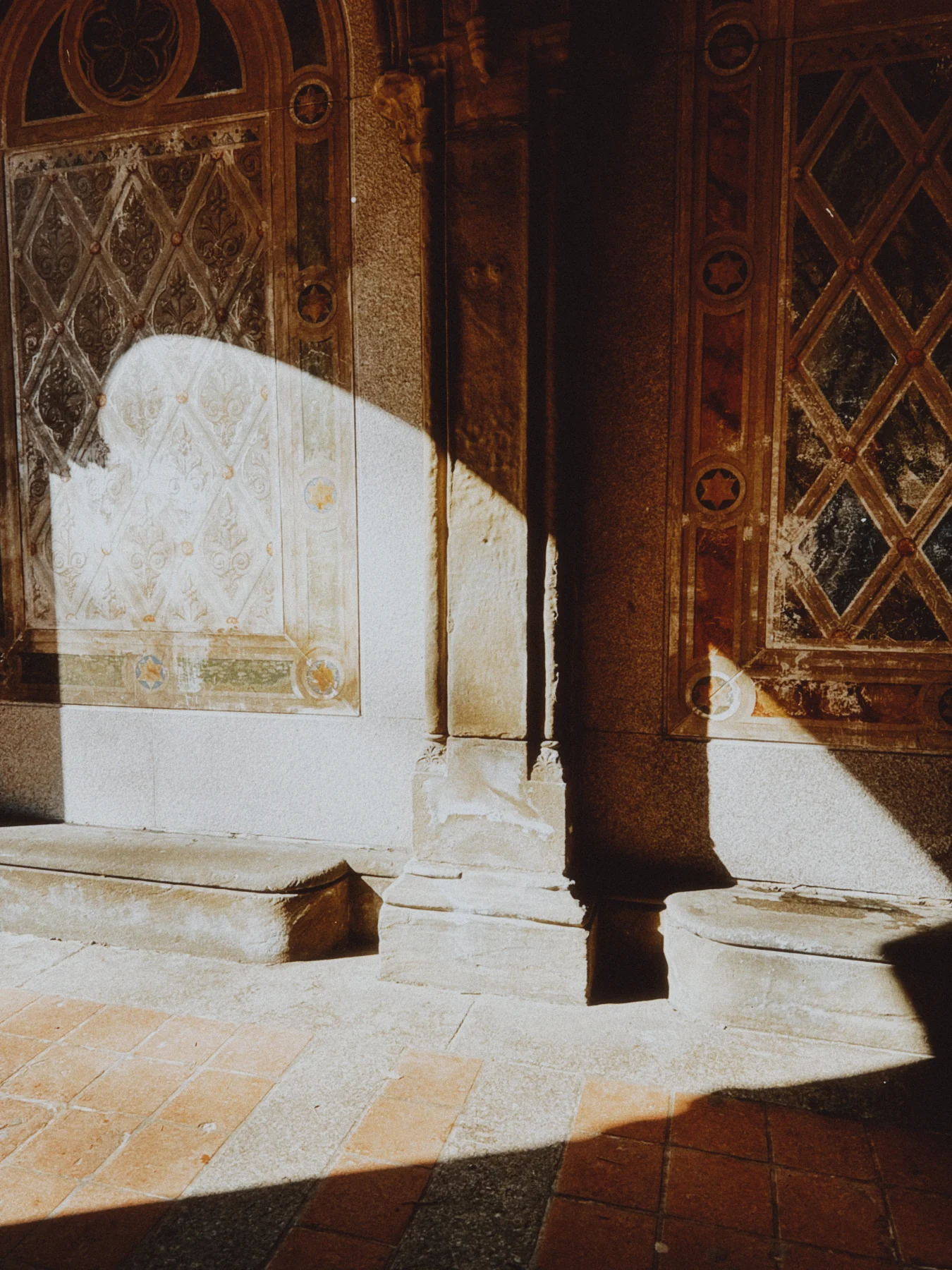
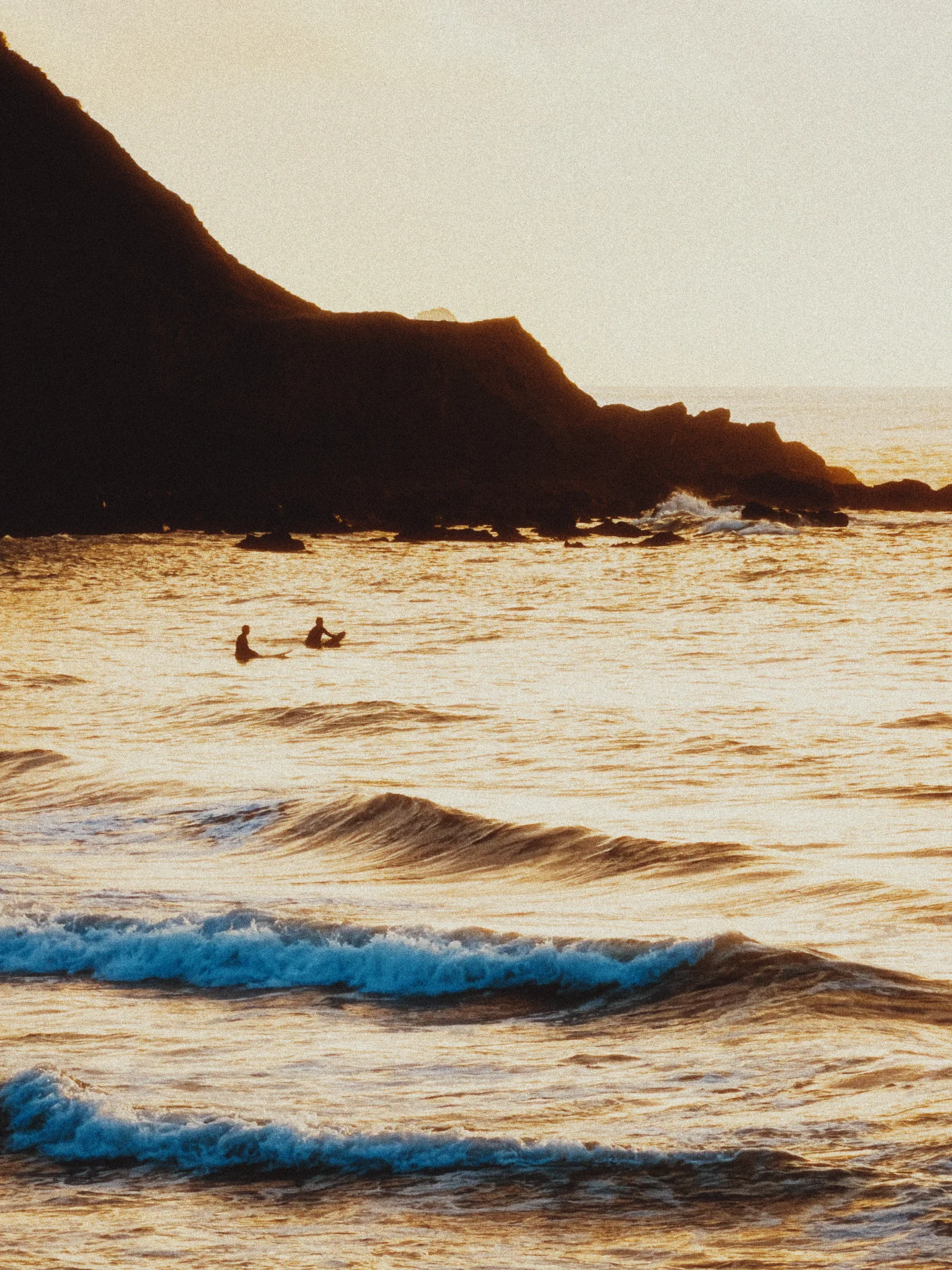
01 / THE TRANSFORMATION
Same photograph. A different feeling.Color with depth. Grain you can feel.
A photograph worth coming back to.
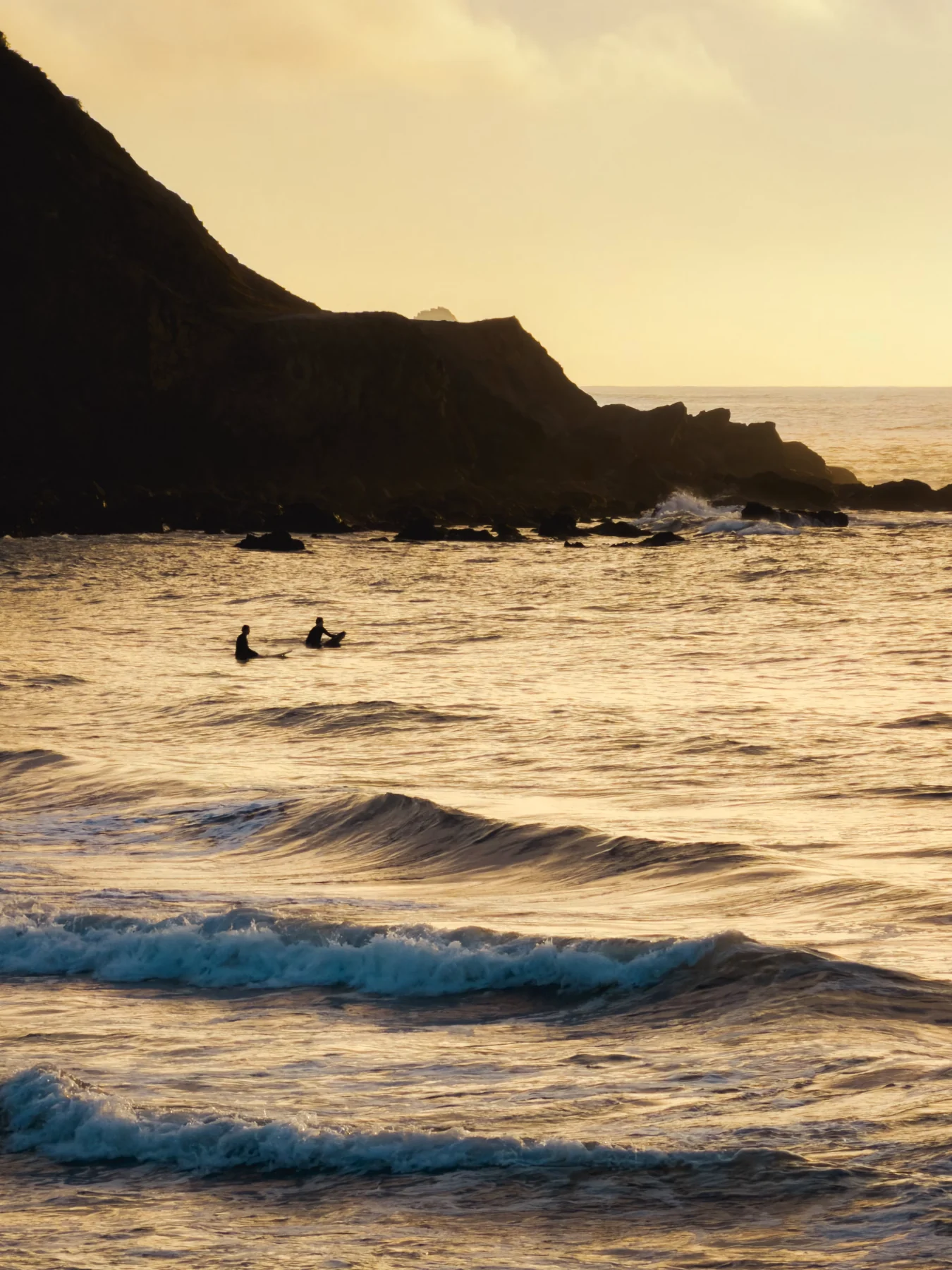
02 / FIND YOUR FILM
A few favorites from a collection of 35.Color negative. Slide. Cinema.
Black and white. Instant.
Find the one that feels like you.
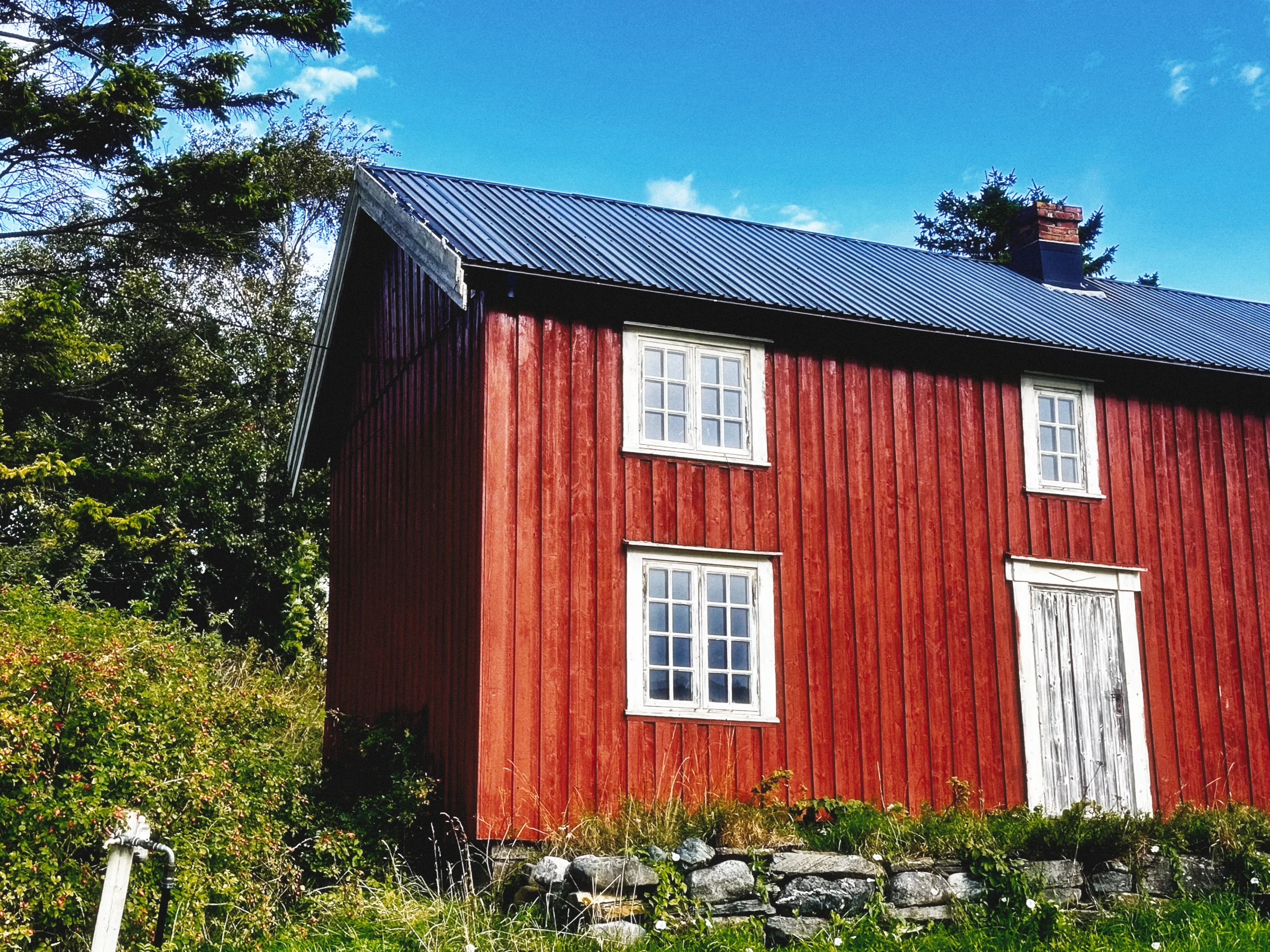
03 / MORE THAN COLOR
The small things make the photograph.3× DETAILFine texture or a bolder frame. Three grain formats, shaped for each film.
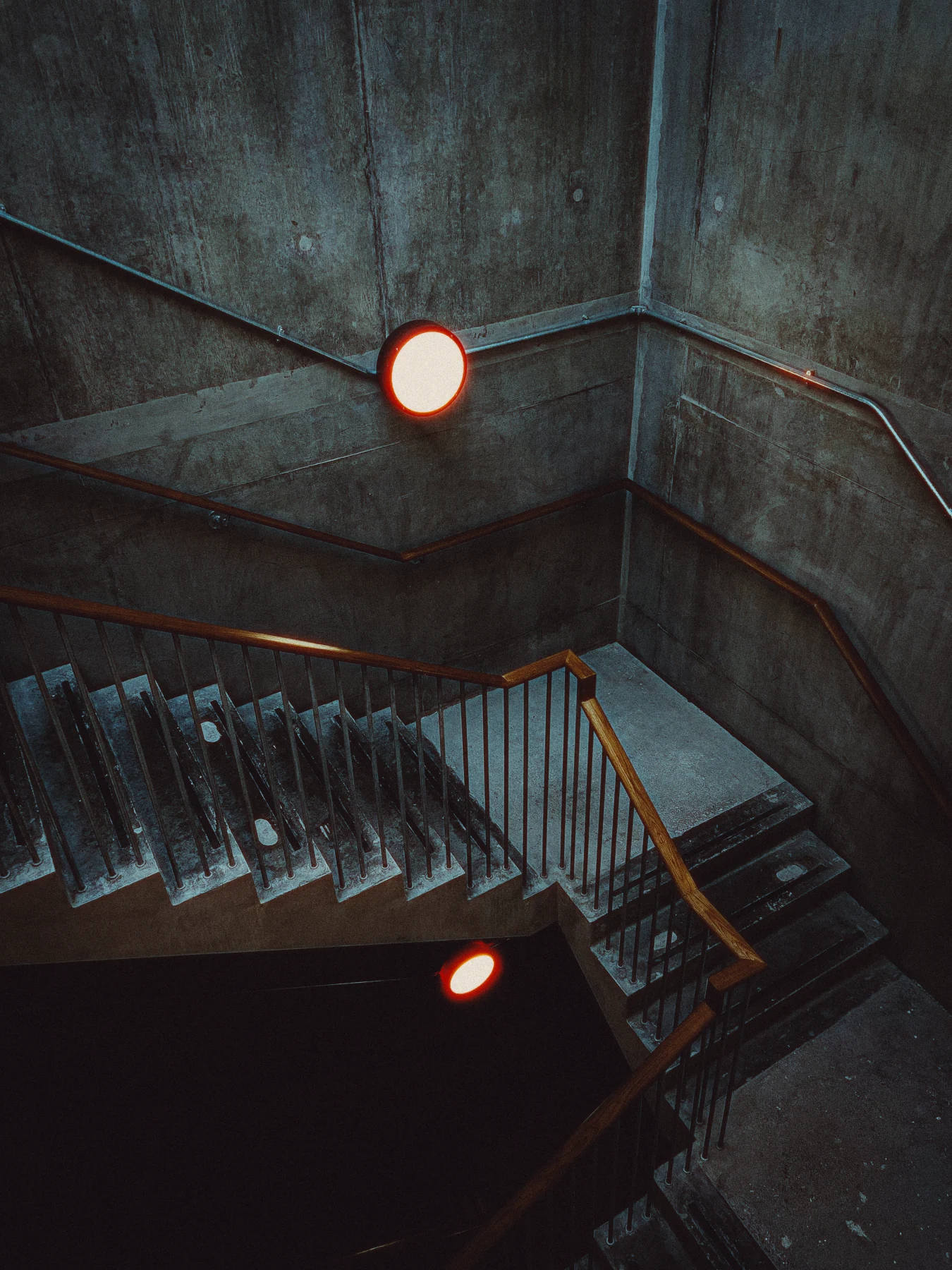 HALATION / HIGH
Warm edges around bright light. A softer glow with diffusion. Set the feeling.
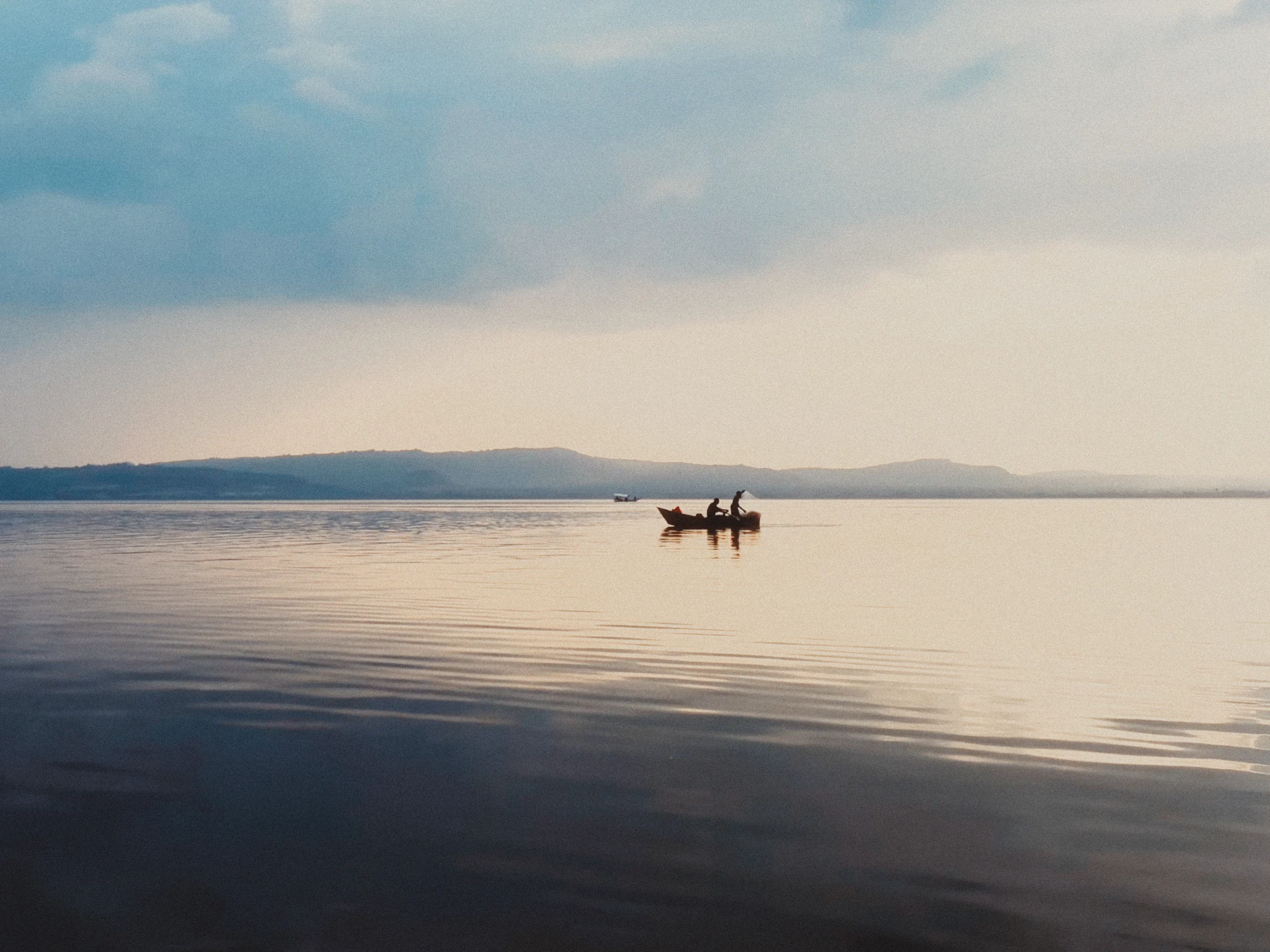
LEAVE A LITTLE ROOM
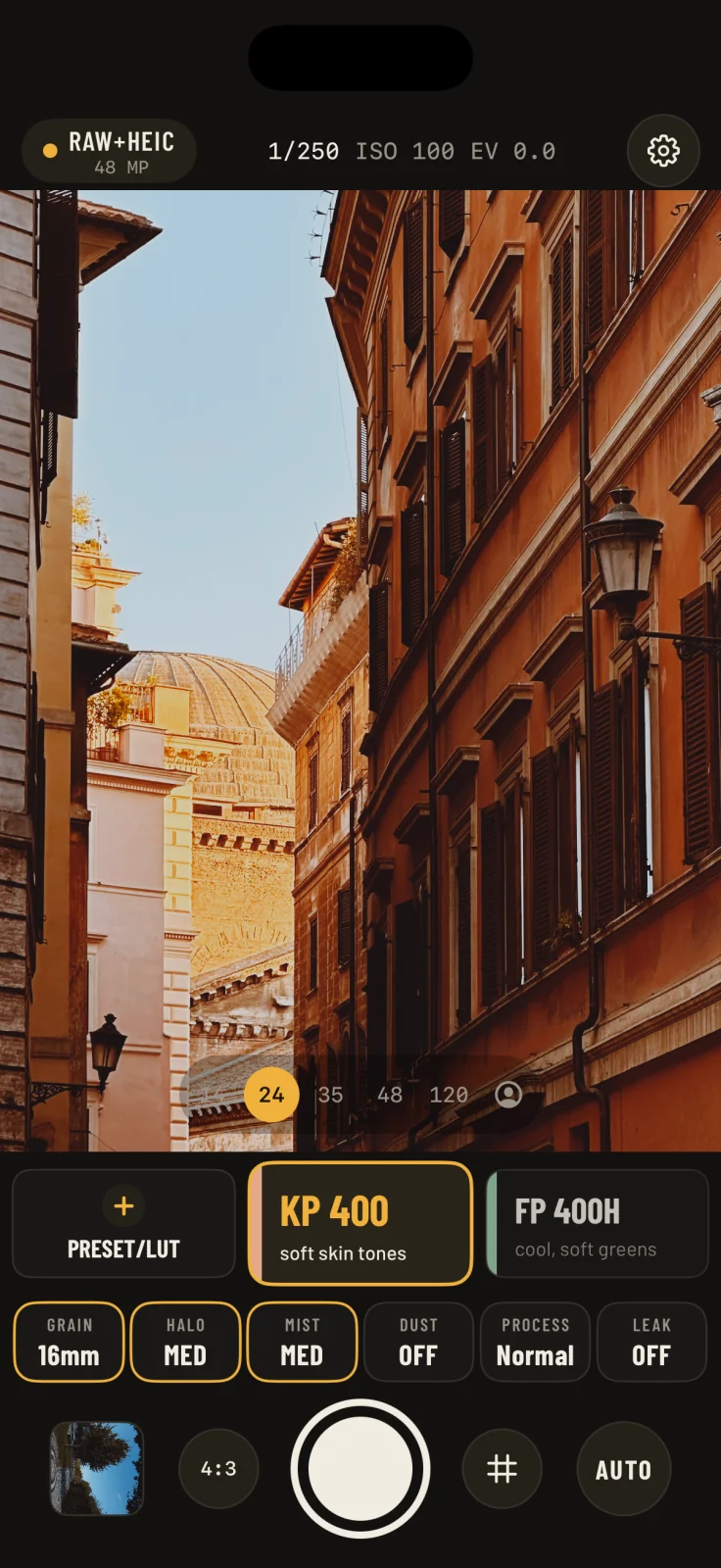
04 / A CAMERA FIRST
Preview your film color. Take control of exposure and focus, or let the camera handle them.
Save Bayer RAW or Apple ProRAW alongside your developed photo. Up to 48 MP on supported cameras.
A different film. A softer glow. Another bokeh style. Rework supported RAW captures, then save a new version.
Create a custom preset or import a .cube LUT. Your color, finished with Emulsine’s texture.
RAW, resolution and depth availability depend on your iPhone and camera. Portrait redevelopment requires retained RAW and depth data.
LESS EDITING. MORE PHOTOGRAPHING.
Start with three films. Find your favorites.
Explore every Pro feature with a free 7-day trial.
No account. No ads. Processing stays on your device.
US prices. Local pricing is shown in the app. The standalone 7-day trial does not renew or charge automatically. Subscriptions renew unless canceled.
KP 400, FP 400H and IH 5 are included, along with 35mm grain, Medium halation, Low diffusion, and Native and Cat’s Eye portrait rendering. The free camera remains available after your trial.
You can save only the developed HEIC or JPEG. Choose RAW + HEIC or RAW + JPEG if you want to keep the negative for Develop Again. RAW availability depends on your device and camera.
All 35 films, additional grain formats and effect strengths, more bokeh styles, dust, light leaks, film processing, custom presets, LUT import and Develop Again.
Yes. The standalone 7-day trial unlocks every Pro feature without an automatic charge or renewal. Afterward, choose monthly, yearly or lifetime access, or keep using the free camera.
Email info@omercesim.art with your iPhone model, iOS version and a short description of the issue. You can also visit our support page.