
Realistic Film Grain on iPhone: Overlay vs Simulation
Good grain should feel part of the photograph. A fixed noise layer can look pasted on; image-aware grain responds to the tones underneath.
 Overlay grain
 Emulsine
Why can a grain overlay look artificial?
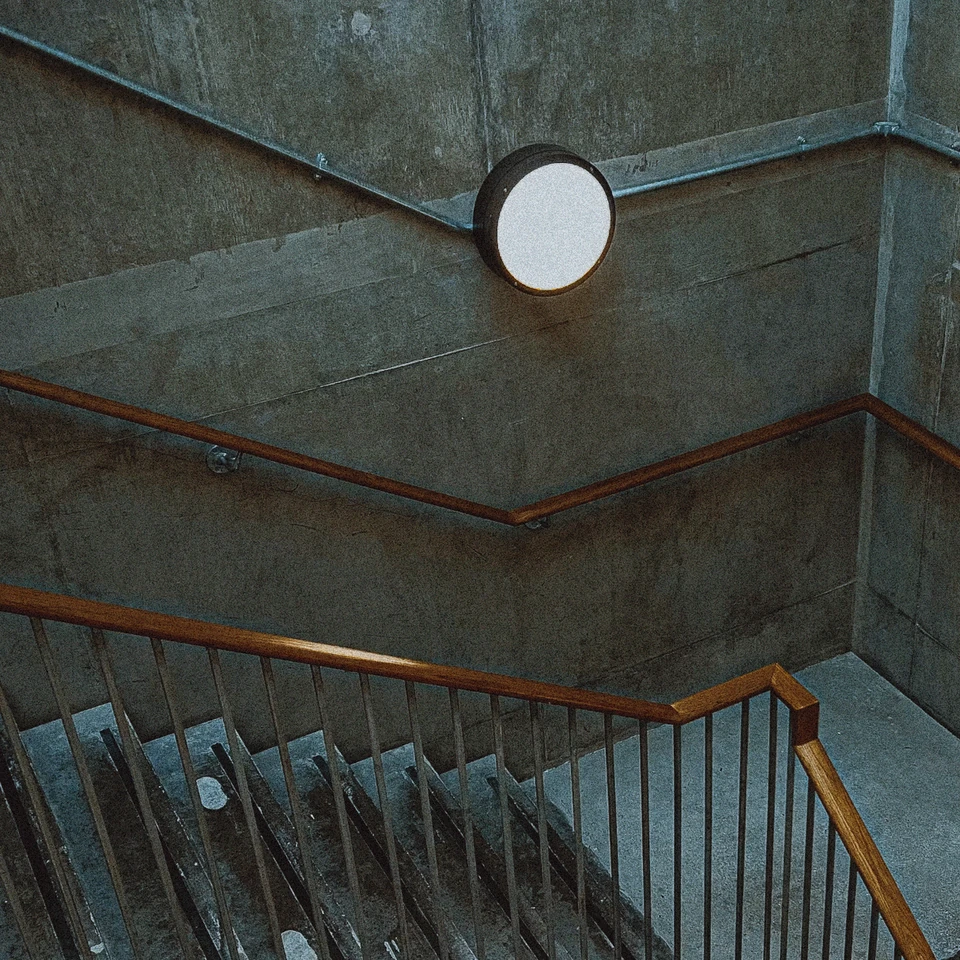
A constant-strength texture treats a bright lamp and a shaded wall the same way. It can make highlights gritty and muddy the deepest shadows.
What does Emulsine do differently?
Emulsine generates grain with image-dependent strength and scales its texture for the output. Look at the lamp and the wall beside it: the grain stays more closely integrated with the photograph.
How do I get realistic grain?
Choose your film color first, then start with 35mm grain. Try 16mm for a bolder texture and check the developed image at the size you plan to share.