
How to Edit RAW Photos on iPhone
Open a RAW photo, choose your film color and save a finished image. Keeping the original lets you try a different look later.
 Before
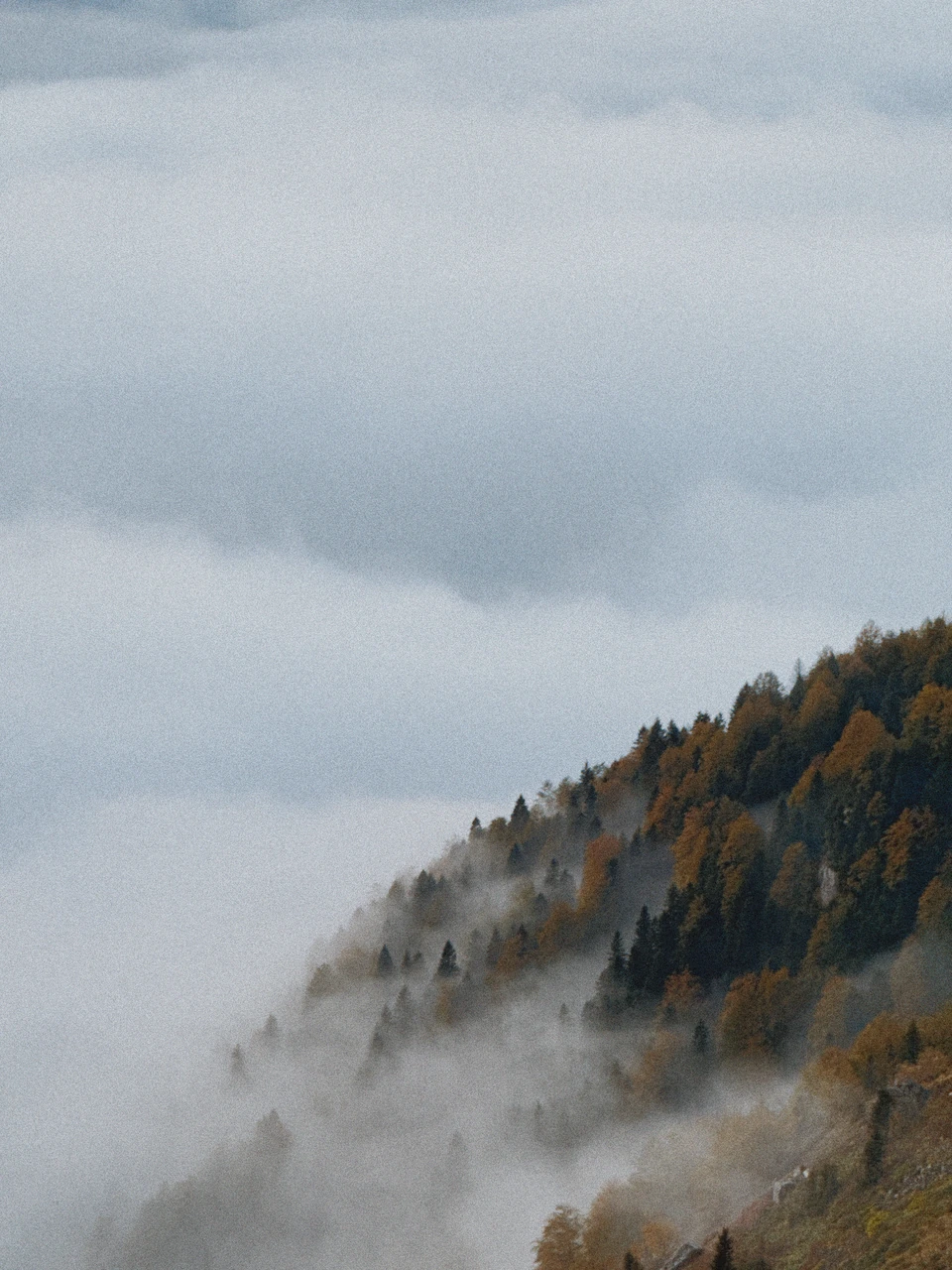 After
How do I edit a RAW photo?
Import a supported RAW photo into Emulsine. Pick a film, adjust exposure and color strength, then add grain or glow if you want. Save the result as HEIC or JPEG.
Can I change the look later?
Yes. For supported Emulsine captures saved with RAW, open Develop Again to try another film or change the effects. You can also import the original RAW again.
Do I have to shoot RAW?
No. HEIC and JPEG photos can receive film color and effects too. RAW gives you another starting point, while the finished HEIC or JPEG is ready to share.