
How to Take Better Black-and-White iPhone Photos
Look for light, shape and texture. Black and white works best when the subject stands apart without relying on color.
 Before
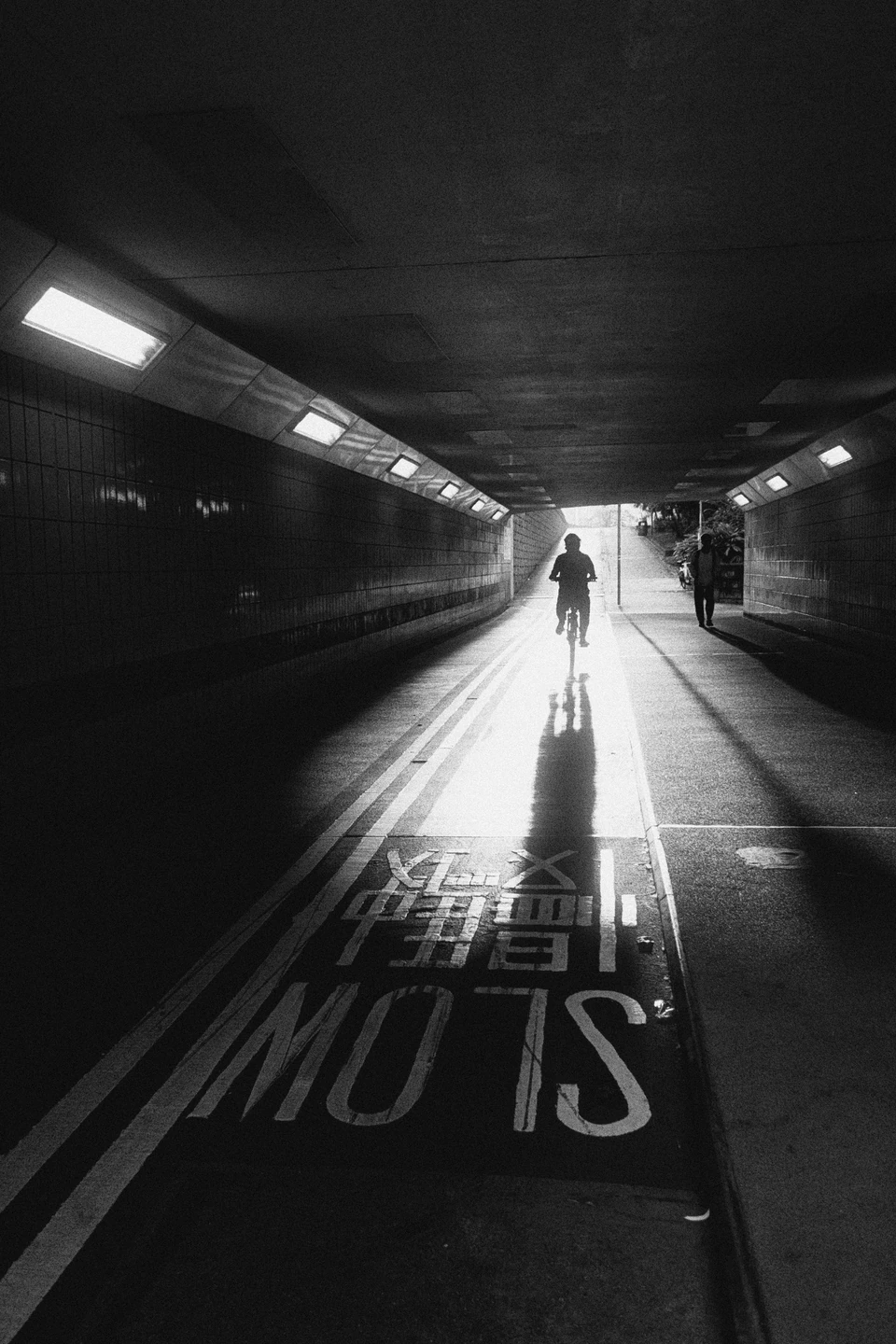 After
How do I make a photo black and white?
Open a photo in Emulsine and choose a black-and-white film. Try K5222 for strong light and shadow, adjust exposure, then add 35mm grain for a fine texture.
How much contrast should I use?
Keep detail in the shadows and separation in the bright areas. Look at the light, the walls and the silhouettes rather than judging only the darkest black.
Can I shoot in black and white?
Yes. Select a black-and-white film before taking the photo to compose with its tones in the viewfinder. You can also import an existing image.